
If you use WhatsApp for your business, you know the feeling. The constant stream of chats can be a real challenge. You're juggling sales questions, support tickets, and promo messages, trying to keep track of who you've replied to. It’s a perfect storm for missed opportunities and a lot of stress. But what if you could automate most of it?
That's where a solid workflow comes in. This guide will break it all down for you. We'll get into what a WhatsApp messaging workflow is and look at the two main ways to build one: the official, high-tech API route and the simpler, no-API method. We’ll also check out real-world examples of how businesses are using these workflows to get more done and keep customers happy. By the end, you'll have a clear plan to get your time back and turn WhatsApp into a smooth-running machine.
What is a WhatsApp messaging workflow?
A WhatsApp messaging workflow is a planned sequence of messages and actions that fires off automatically, usually triggered by a customer's action or a specific event. Think of it as a smart, automated conversation that guides customers from A to B without you having to type out every single message.
The goal is to handle common interactions, like making a purchase or booking an appointment, without a human needing to step in every time. This is much more than a simple auto-reply. An auto-reply just says, "We're out." A workflow is interactive. It can ask questions, offer choices, collect info, and even sort customers into different groups. It’s the difference between a "closed" sign and a digital assistant that works 24/7.
The two main approaches to building a WhatsApp messaging workflow
When you decide to automate your WhatsApp chats, you have two main paths. You can take the powerful but technical API-based route, or the simpler, direct browser-based method. There is not a single "best" choice; it really comes down to your team's tech skills, budget, and how big you plan to grow. Let's look at what each path involves.
The official API-based approach to a WhatsApp messaging workflow
This is the "official" way, using the WhatsApp Business Platform. It works by connecting your business systems (like a CRM) directly to WhatsApp through an API, which is a bridge that lets software talk to each other. This approach unlocks features like WhatsApp Flows, which let you build rich, interactive experiences like forms or multi-step menus. This requires programming the flows using a code format called JSON.
This method is powerful for large-scale companies handling thousands of conversations at once. It’s reliable and can be deeply integrated with other business tools for advanced automation.
However, there are some factors to consider. The setup is complex and typically requires developers to build and maintain the connection using the Flows API. Pricing is another important factor. It’s based on a per-conversation model, meaning you pay for every 24-hour interaction. This model can become costly at high volumes, and it can be difficult to predict monthly expenses. Additionally, if you want to message a customer after 24 hours, you can only send pre-approved, templated messages.
The browser-based (no-API) approach to your WhatsApp messaging workflow
The second path is more direct. This approach uses tools, often Chrome extensions, to automate actions directly within the WhatsApp Web interface. It operates through the WhatsApp Web interface, bypassing the need for the official API and making it accessible for non-developers.
The primary benefits of this method are simplicity, speed, and cost. You can get a workflow running in minutes, not weeks. It’s a good fit for small to medium-sized businesses that don’t have a dedicated tech team. Plus, you can keep using your existing business number without a complicated verification process.
This is the approach taken by tools like SheetWA. By integrating with programs businesses use every day, like Google Sheets and Excel, they let teams build and launch personalized bulk messaging campaigns quickly. You can send various message types at your preferred times without writing code or managing API rules and usage-based costs.
Key use cases for your WhatsApp messaging workflow
A workflow is just a tool; its real value is in how you use it. When applied right, it can transform parts of your business, from finding new customers to supporting existing ones. Let's look at some of the most impactful ways to put a WhatsApp messaging workflow to work.
Lead generation and qualification in your WhatsApp messaging workflow
Imagine a potential customer messages you. Instead of making them wait, a workflow can instantly greet them and start a conversation. It can ask a few qualifying questions, like "Are you looking for help with residential or commercial properties?" Based on their answers, the workflow can tag them, add them to a list, or assign them to the right person on your sales team. This way, your team only talks to warm, qualified leads.
For example, a local gym could set up a workflow that asks new inquiries about their fitness goals. The workflow could then automatically suggest the perfect membership and send a sign-up link, all before a staff member even sees the message.
Customer support and FAQs with a WhatsApp messaging workflow
How much time does your team spend answering the same questions? A workflow can be your 24/7 front line of customer support. It can be programmed to instantly answer common questions about store hours, return policies, or order status. This frees up your human agents to focus on solving more complex issues that need a personal touch.
A great example is an e-commerce store that uses keyword triggers. If a customer sends a message with the word "shipping," the workflow can automatically reply with the shipping policy and a link to track their order. It’s fast, efficient, and gives customers the instant answers they want.
Sales, promotions, and broadcasts using a WhatsApp messaging workflow
Workflows are also a powerhouse for sales and marketing. You can use them to send targeted promotional campaigns, announce new products, or send event reminders. The key is making these broadcasts feel personal, not like spam.
Sending personalized broadcasts is especially effective with spreadsheet-driven tools. With SheetWA, you can create columns in your Google Sheet for customer names, discount codes, or appointment dates. The tool then merges this data into unique messages for each person. This simple touch makes a bulk message feel like a one-on-one conversation. The results speak for themselves: one training institute saw 71% higher student engagement, and a flower shop in Brazil increased repeat orders by a massive 51%.
How to build your WhatsApp messaging workflow: Comparing platforms
Alright, so how do you actually build one of these? The process depends entirely on the tool you choose. To give you a clear picture, let's compare three different types of platforms, looking at their features, limitations, and cost.
Building a WhatsApp messaging workflow with the Business Platform & Flows
If you go the official API route, the process is technical. First, you'll need to register for a Meta Business Account, connect and verify a phone number, and then start building your workflow. This usually involves using their Flows Builder tool or having a developer write the JSON code from scratch.
This path is powerful but requires technical skill and has ongoing costs. It is best suited for organizations with access to development resources and longer implementation timelines.
When it comes to pricing, it is not a simple flat fee. It’s a usage-based system that follows Meta's conversation-based model. This can make it challenging to predict monthly expenses, especially if your message volume changes a lot.
Using an all-in-one CRM for your WhatsApp messaging workflow
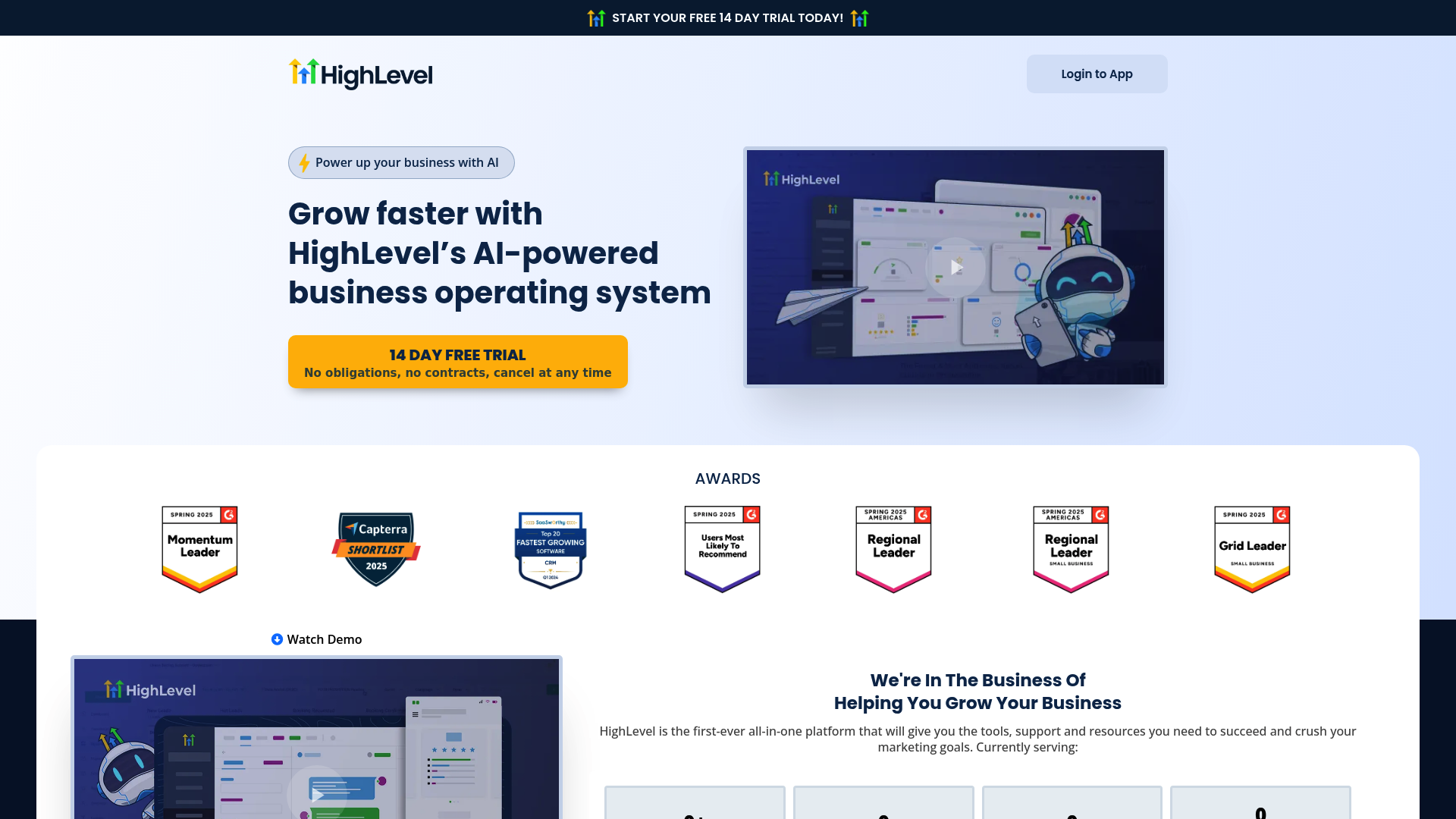
Next are all-in-one platforms like GoHighLevel. These tools bundle WhatsApp messaging into a much larger suite of marketing features. You typically build workflows using a visual drag-and-drop editor, setting up triggers like "Customer Replied" and using filters to specify "Reply Channel: WhatsApp."
While these platforms are powerful, they offer a comprehensive suite of marketing features, which may be more than what a business exclusively focused on WhatsApp messaging requires. It is important to note that they often rely on the official WhatsApp API in the background. This means the underlying API requirements and pricing structure may still apply, presented through a different interface.
The pricing for these platforms varies. GoHighLevel's plans start at $97/month and go up to $497/month for their pro plan. On top of that, WhatsApp integration is not always included. For GoHighLevel, it's an add-on that costs an extra $10/month for each sub-account you want to connect.
Using a dedicated no-API tool like SheetWA for your WhatsApp messaging workflow
Finally, there are simple, dedicated tools. With this approach, the process is straightforward. You install the SheetWA Chrome extension, organize your contacts and personalized info into a Google Sheet or Excel file, write your message using placeholders like "{{FirstName}}", and hit send. It’s designed to use tools that teams may already be familiar with.
The biggest advantages are ease of use, no coding requirements, and predictable costs. You can get started in minutes. Plus, you get features suited for business use, like sending personalized media attachments and scheduling your messages with random time gaps to make outreach feel more natural and avoid spam filters.
The pricing is also much more accessible. SheetWA offers a generous free plan with 100 messages/month, which is perfect for testing it out. When you're ready for more volume, the premium plans are very affordable. The Basic plan gives you 1,000 messages for as low as $7.9/month if you pay for two years upfront, making it a budget-friendly choice without surprise fees.
A pricing comparison for your WhatsApp messaging workflow solutions
To make the differences even clearer, here’s a quick table to help you compare the options at a glance.
Feature | WhatsApp Business Platform (API) | All-in-One CRM (e.g., GoHighLevel) | No-API Tool (e.g., SheetWA) |
|---|---|---|---|
Pricing Model | Per-Conversation (Usage-Based) | Monthly Subscription ($97-$497/mo) + Add-on Fees | Freemium & Low-Cost Plans (from $0/mo) |
Best For | Large Enterprises with Developers | Agencies Needing a Full Marketing Suite | SMBs, Startups, and Individuals |
Technical Skill | High (Requires Developers & JSON) | Medium (Visual Builder, Some Setup) | Low (Plug-and-Play Chrome Extension) |
Key Limitation | Technical complexity, usage-based cost, template restrictions | Higher subscription cost, comprehensive feature set | Requires an Active WhatsApp Web Session |
Choosing the right WhatsApp messaging workflow for your business
Building a WhatsApp messaging workflow is becoming essential for businesses that want to communicate efficiently. As we've seen, there are clear choices available. You can choose the API path, which is built for large enterprises with developer resources, or you can opt for a direct, browser-based tool.
For most small to medium-sized businesses, startups, and solo entrepreneurs who need an immediate impact without extensive technical setup, a no-API solution is a logical place to start. It offers a direct way to achieve automation.
If you want to start building powerful, personalized WhatsApp workflows in minutes using the spreadsheets you already know, try SheetWA's free WA Sender tool today and see just how simple automation can be.
FAQs
What is the main benefit of creating a WhatsApp messaging workflow?
The primary benefit is automation. A WhatsApp messaging workflow saves you a ton of time by handling repetitive conversations like answering common questions, qualifying leads, or sending promotional broadcasts, freeing up your team to focus on more complex customer needs.
Can I build a WhatsApp messaging workflow without coding skills?
Absolutely. While the official API-based method requires developers, [no-API tools like SheetWA] are designed for non-technical users. They use familiar interfaces like Google Sheets and a simple Chrome extension to let you build and launch a WhatsApp messaging workflow in minutes.
Is an API necessary for every WhatsApp messaging workflow?
No. An API is generally necessary for large enterprises needing deep integration with custom systems. For many small and medium-sized businesses, a browser-based (no-API) WhatsApp messaging workflow is often a more direct and cost-effective option for tasks like lead generation and customer support.
How can a WhatsApp messaging workflow help with sales and promotions?
You can use a WhatsApp messaging workflow to send personalized, targeted promotional messages in bulk. By using data from a spreadsheet, you can include customer names, unique discount codes, or relevant product info, making your campaigns feel like one-on-one conversations and boosting engagement.
What is the most cost-effective way to set up a WhatsApp messaging workflow for a small business?
A cost-effective approach is to use a no-API, browser-based tool. These solutions typically have different pricing models than API services or all-in-one CRMs, often with free starter plans and affordable premium tiers.
Are there risks involved with a browser-based WhatsApp messaging workflow?
The main thing to be aware of is [WhatsApp's terms of service] regarding spam. Reputable tools help you mitigate this risk with features like randomized time gaps between messages to simulate human behavior. As long as you're sending valuable content to contacts who expect to hear from you, the risk is minimal.