The best AiSensy alternative for WhatsApp broadcasts
SheetWA is the best AiSensy alternative on the official WhatsApp API. It schedules broadcasts of approved templates to contacts you import and reports delivered, read, failed, and skipped.
What you get with the SheetWA WhatsApp API
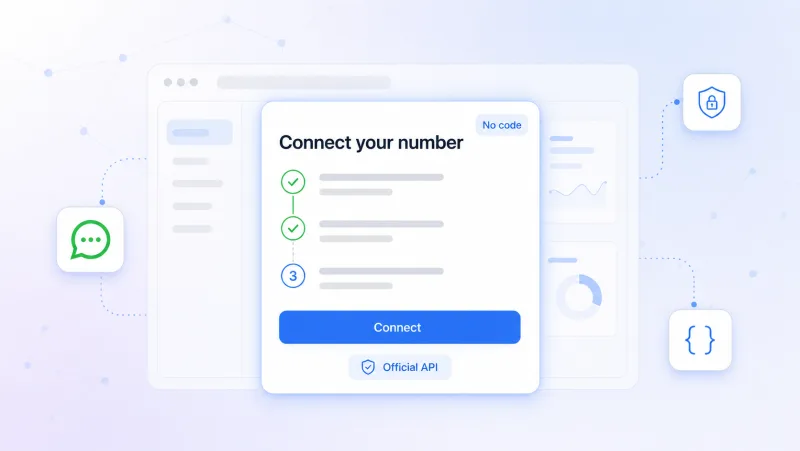
Connect with no code
SheetWA uses Meta Embedded Signup, a step-by-step flow, so you link your own WhatsApp Business account yourself in the browser.
No engineering ticket and no integration project to wait on.
You are ready to send once Meta confirms your account.
Keep your WhatsApp Business app
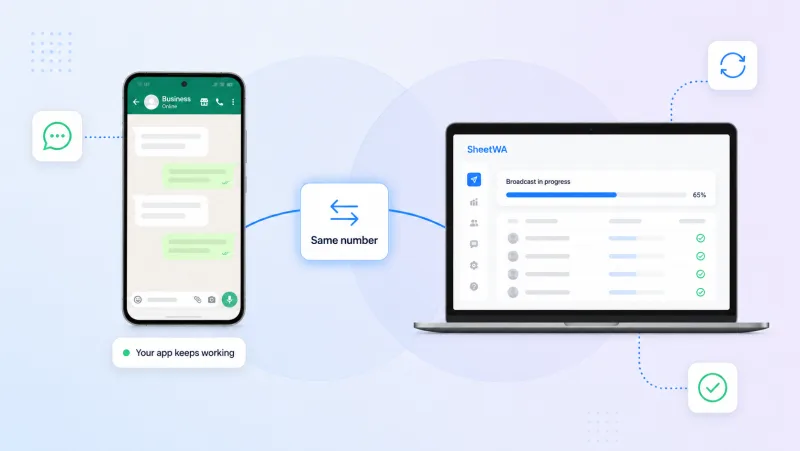
SheetWA connects in coexistence mode, so the WhatsApp Business app on your phone keeps working while broadcasts go out through the API.
Reply by hand from the app while SheetWA sends campaigns on the same number.
Prefer full throughput? Move the number fully to the Cloud API instead.
Scheduled template broadcasts
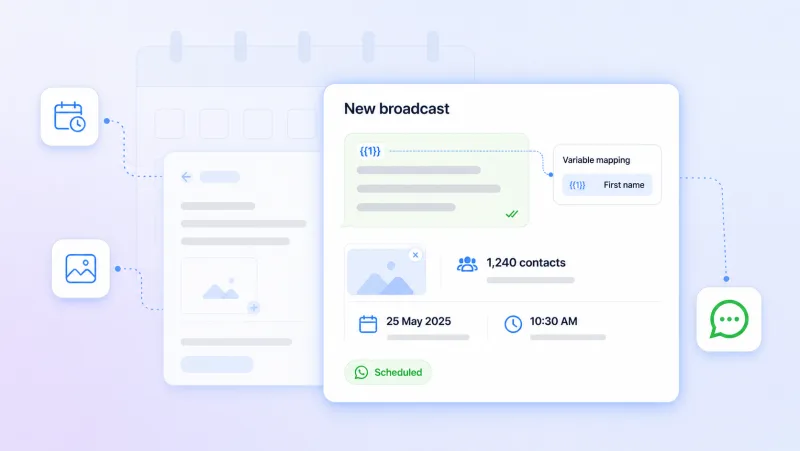
Pick a Meta-approved template, map the per-recipient fields, and SheetWA sends the broadcast at the date, time, and time zone you set.
Plan sends ahead so campaigns go out on time, not when you are at your desk.
Attach personalized media per recipient from a reusable library.
Delivery reports and opt-out
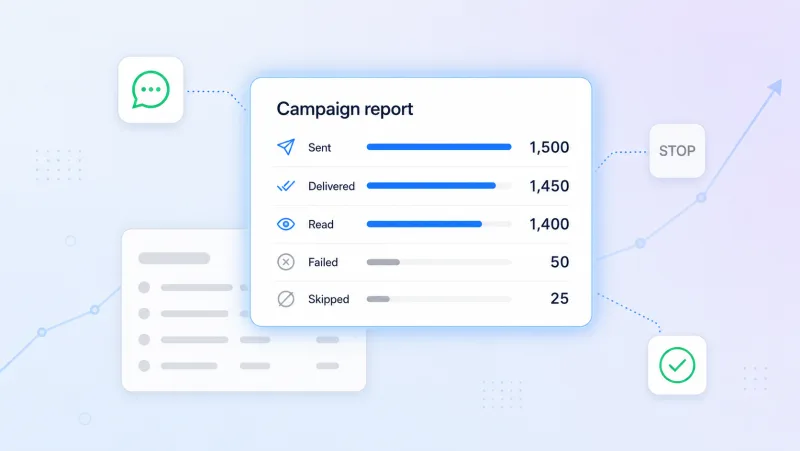
After each broadcast SheetWA shows delivered, read, failed, and skipped per recipient, and handles STOP and START replies for you.
See exactly where every message landed, with no manual tracking.
Contacts who reply STOP are removed from the next send automatically.
Date-driven automations
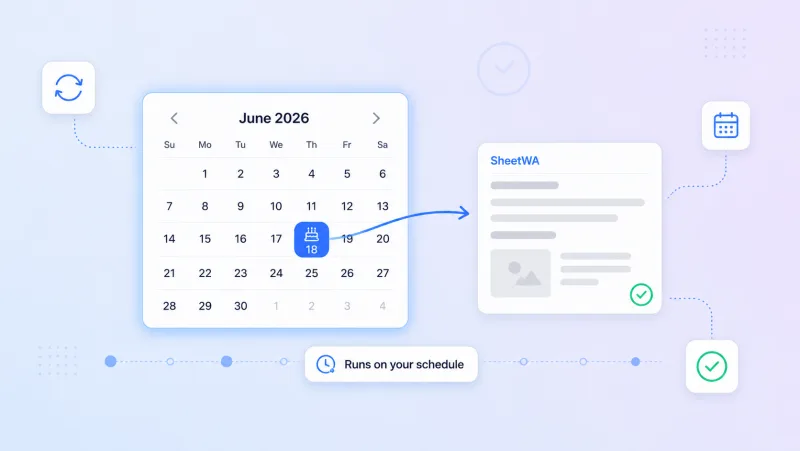
SheetWA can send an approved template on a recurring date, like a birthday or a renewal, on the schedule you set.
Birthday wishes, renewal reminders, and follow-ups go out on their own.
Set the rule once and SheetWA checks the date field every day.
Frequently Asked Questions
Does SheetWA offer a WhatsApp API?
Yes. The SheetWA WhatsApp API is live today. You connect your own WhatsApp Business account through Meta Embedded Signup, and from there you send approved templates and schedule broadcasts to the contacts you import.
How do I build and target an audience?
Import your contacts into the SheetWA WhatsApp API from Google Sheets, Excel, or a CSV file. Give them tags and fill in custom fields like city or plan, then use those to decide who a broadcast reaches. Each send goes to the group you select rather than your whole list.
How does pricing compare with AiSensy?
Pricing for the SheetWA WhatsApp API has not been announced yet, and WhatsApp conversation charges are billed to you directly by Meta. If you would rather avoid a per message cost, the SheetWA Extension sends bulk WhatsApp from your own number on WhatsApp Web with no per message charge.
Can I schedule broadcasts and see who read them?
Yes. The SheetWA WhatsApp API lets you set the date, time, and time zone for each broadcast, and once it sends you can see delivered, read, failed, and skipped counts. That shows you which contacts opened your message and which ones it did not reach.
Do I keep using the WhatsApp Business app after I connect?
Yes, if you choose coexistence mode. That means you keep chatting from the WhatsApp Business app on your phone while the SheetWA WhatsApp API sends your broadcasts on the same number. You can also pick Cloud API mode and move the number across fully instead.
Ready to plan your next broadcast? Start with the SheetWA WhatsApp API.
Free to start • No credit card required • Cancel anytime