WhatsApp for Events and Webinars, Straight from Google Sheets
Send invitations, reminders, joining links, and follow-ups to every attendee from a Google Sheet. SheetWA makes WhatsApp for events simple for organisers, webinar hosts, and conference teams.
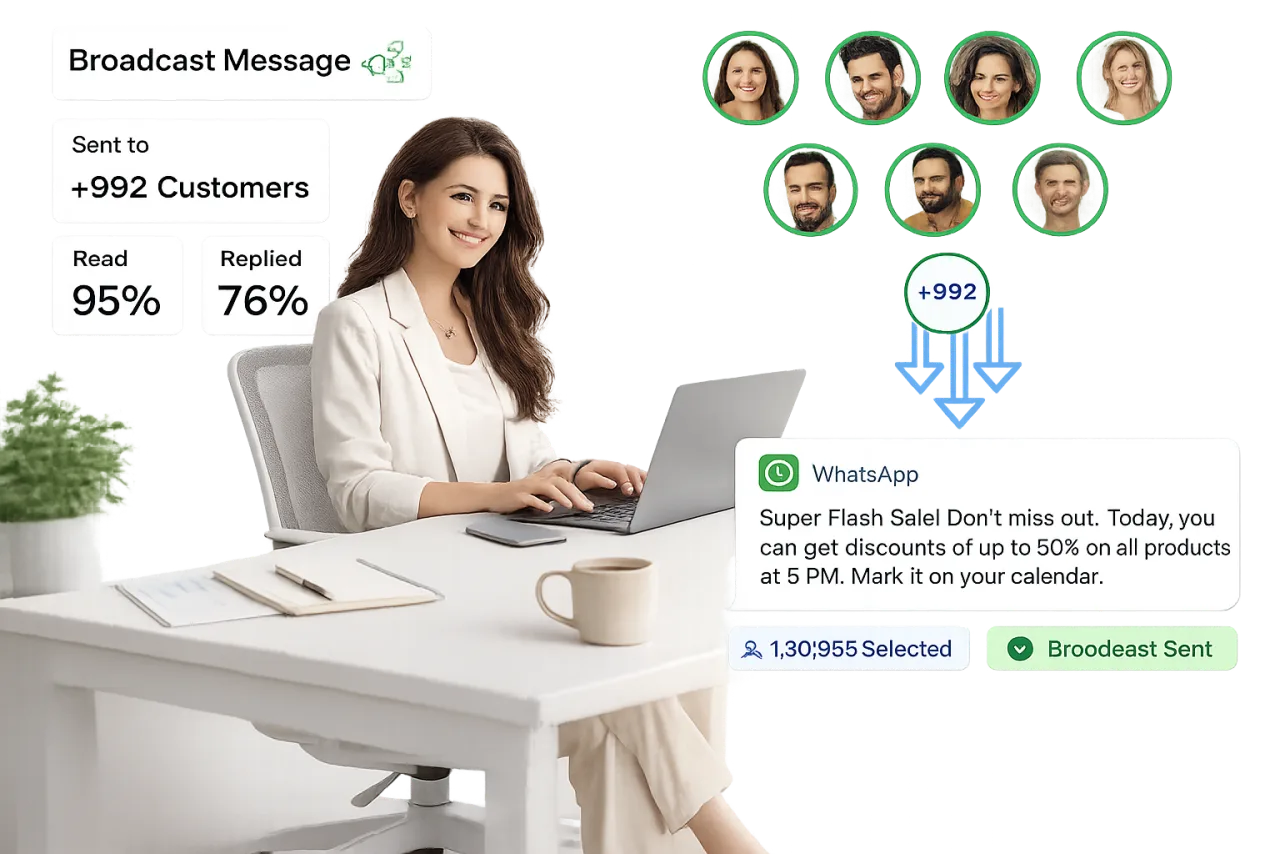
Why WhatsApp for events in 2026?
Understand WhatsApp for Events
Before, during, and after every event, SheetWA lets organisers message registrants and attendees on WhatsApp directly from the attendee sheet they already maintain.
Updates as plans shift
Send invitations, reminders, joining links, and schedule changes the moment plans change.
Reaches attendees directly
WhatsApp reaches attendees in real time, in the app they use every day.
One list, one inbox
Invites go out from your registration list, replies land in a shared team inbox.
WhatsApp Use Cases for Events & Webinars
Invitations & Registration Broadcasts
- Send personalized invites with each guest's name and event details from your registration sheet.
- Share registration links and confirm sign-ups the moment they land in your sheet.
- Segment invitees by city, ticket type, or session and message each group separately.
- Track who received the invite, with send statuses written back to your sheet.
Event & Session Reminders
- Schedule reminder campaigns for the day before, the morning of, and one hour to go.
- Remind webinar registrants before each session so fewer sign-ups go to waste.
- Personalize every reminder with the attendee's session, time, and seat details.
- Set your reminder sequence once and reuse it for every event you run.
Joining Links & Venue Details
- Send each attendee their own joining link pulled straight from your sheet.
- Share venue maps, parking notes, and entry instructions before the doors open.
- Deliver speaker lineups and session agendas as images or PDFs in the chat.
- Reach online and in-person attendees from the same attendee list.
Schedule Change Announcements
- Announce time changes, venue shifts, or speaker swaps to everyone in minutes.
- Failed sends retry automatically so urgent updates reach every attendee.
- Message only the affected session's attendees instead of blasting the full list.
- Keep a record of what was announced and when, right in your sheet.
Post-Event Follow-Ups & Recordings
- Share session recordings, slides, and photo albums after the event wraps.
- Thank attendees personally and invite them to your next event.
- Follow up with no-shows separately, with the recording and a gentle nudge.
- Turn one event's attendee sheet into the invite list for the next one.
Feedback & Attendee Queries in a Shared Inbox
- Send feedback form links to every attendee once the event ends.
- Let your whole team answer attendee questions from one shared inbox.
- Route speaker, billing, and logistics queries to the right teammate.
- Keep two-way conversations going without sharing anyone's personal number.
Explore More WhatsApp Business API Features
Discover powerful WhatsApp features that help you engage customers, boost sales, and simplify communication — all in one platform.
WhatsApp Broadcasting
Send bulk tailored messages to unlimited contacts instantly with better reach and improved engagement, without spamming.
Learn moreWhatsApp Payments
Make it easier for customers to purchase, pay, and check out without leaving WhatsApp with secure in-chat payments.
Learn moreWhatsApp Team Inbox
Collaborate with your team by handling all customer conversations in a single shared WhatsApp inbox.
Learn moreWhatsApp CRM
Keep every contact organized with tags, custom fields and chat activity, ready for your next broadcast.
Learn moreAI WhatsApp Chatbot
Automate conversations 24/7 with an AI-powered chatbot that engages, assists, and converts leads on WhatsApp.
Learn moreWhatsApp Forms
Collect leads, customer data, and feedback — all within WhatsApp chats using interactive, easy-to-fill forms.
Learn moreWhy Use WhatsApp for Events & Webinars?
Events run on timely communication. WhatsApp puts every update in the one app your attendees check all day.
Higher Turnout
Timely reminders on WhatsApp help more registrants actually show up on the day.
Instant Delivery
Last-minute changes land in seconds, not buried in an email inbox.
Personalized at Scale
Merge names, sessions, seats, and joining links from your Google Sheet into every message.
Two-Way Conversations
Attendees can reply with questions, and your team can answer from a shared inbox.
Scheduled & Repeatable
Plan your reminder sequence once and run it for every event you host.
Rich Media Support
Share agendas, venue maps, speaker lineups, recordings, images, and PDFs in the chat itself.
Why Event Teams Choose SheetWA
A simple, honest way to run WhatsApp messaging for your events, straight from the spreadsheet you already keep.
Works from Google Sheets
Your registration lists, merge fields, and send statuses live in the sheet you already maintain.
Set Up in Minutes
Install the Chrome extension and send your first attendee broadcast the same day.
Two Ways to Send
Keep using your existing WhatsApp number, or scale up on the official WhatsApp Cloud API.
Personalized at Scale
Every attendee gets a message with their own name, session, and joining link, never a generic blast.
Registration Fee Reminders
Remind registrants about pending payments and confirm received ones from the sheet you track them in.
Your Data Stays Yours
Attendee contacts stay in your own Google Sheet and your own WhatsApp account.
Plans That Fit Event Teams
Simple, transparent plans for solo webinar hosts, agencies, and full conference teams.
Real Human Support
Actual people help you set up, migrate, and troubleshoot before the big day.
Explore Industry-wise WhatsApp Use Cases
See how businesses across industries use the WhatsApp Business Platform to engage customers, increase sales, and simplify communication.
Education & EdTech
Engage students, automate inquiries, and simplify admissions with WhatsApp for education.
Learn moreBanking & Fintech
Enhance service, streamline KYC, improve security, and boost efficiency with WhatsApp.
Learn moreHealthcare
Book appointments, share health tips, and provide personalized care through WhatsApp.
Learn moreTravel & Tourism
Send itineraries, confirmations, and real-time travel updates via WhatsApp.
Learn moreAutomotive
Schedule test drives, send service reminders, and offer instant support using WhatsApp.
Learn moreRetail & E-commerce
Boost online sales, send order updates, and automate customer support using WhatsApp.
Learn moreReal Estate
Schedule viewings, share listings, and close deals faster with WhatsApp communication tools.
Learn moreRestaurant & Food Business
Support clients, provide updates, and manage issues efficiently using WhatsApp.
Learn moreSpas & Salons
Engage customers, send offers, and automate post-sale service via WhatsApp tools.
Learn moreEvents & Webinars
Boost registrations, send reminders, and gather feedback effortlessly via WhatsApp.
Learn moreSmall & Medium Business
Automate orders, send quick replies, manage customers, and grow sales directly through WhatsApp.
Learn moreEnterprises
Modernize communication with automation, secure messaging, and scalable WhatsApp solutions.
Learn moreDepartment-Wise Uses of the WhatsApp Business Platform
See how the WhatsApp Business Platform helps businesses boost marketing, streamline sales, and improve customer support.
WhatsApp for Marketing
Reach customers instantly with high-engagement broadcasts and personalized offers.
WhatsApp for Sales
Convert chats into sales with automated workflows, lead management, and fast follow-ups.
WhatsApp for Support
Provide fast, reliable customer support with instant replies and automated ticket management.
Frequently Asked Questions
Bring Your Next Event to WhatsApp
Join thousands of teams using SheetWA to send invitations, reminders, and follow-ups straight from Google Sheets.
Get Started for Free