Invitation Reminder Message: 20+ WhatsApp Event Reminders
Nudge guests a week, a day and an hour before. Copy an invitation reminder message and send it to your whole guest list.
Updated October 2026. 23 templates, all copy-paste ready.
Preview
Hi {{Name}}, a friendly reminder that you are invited! 💌 🎉 Event: {{Event}} 📅 Date: {{Date}} 📍 Venue: {{Venue}} ✅ Please reply YES or NO by {{RSVP Date}} It would mean a lot to have you there. {{Host Name}}
10:24Every {{placeholder}} fills from the Google Sheet column with the same name.
Reminder message for invitation one week before the event
A week out, the goal is a firm RSVP. Restate the basics and ask for a one-word reply.
Hi {{Name}}, a friendly reminder that you are invited! 💌 🎉 Event: {{Event}} 📅 Date: {{Date}} 📍 Venue: {{Venue}} ✅ Please reply YES or NO by {{RSVP Date}} It would mean a lot to have you there. {{Host Name}}
10:24Hello {{Name}}, just one week to go for {{Event}}! 🎉 📅 Date: {{Date}} 🕒 Time: {{Time}} 📍 Venue: {{Venue}} ✅ Confirm by {{RSVP Date}} Please tell us how many guests are coming with you.
10:24Dear {{Name}}, this is a gentle reminder of our invitation. 💌 🎉 Event: {{Event}} 📅 Date: {{Date}} ✅ Kindly confirm by {{RSVP Date}} so we can plan seating and food 📎 The invitation card is attached Warm regards, {{Host Name}}.
10:24Day-before invitation reminder messages with time and venue
The day before, guests need logistics. Give the time, the address, a map link and any parking or dress code.
Hi {{Name}}, see you tomorrow at {{Event}}! 🎉 🕒 Time: {{Time}} 📍 Venue: {{Venue}}, {{Address}} 🅿️ Parking: {{Parking Spot}} 🗺️ Map: {{Link}} Reply here if your plans have changed.
10:24Hello {{Name}}, quick reminder: {{Event}} is tomorrow! 🎉 📅 Date: {{Date}} 🕒 From {{Time}} 👔 Dress code: {{Dress Code}} 🎟️ Carry this message or your e-pass for entry at the gate Venue location: {{Link}}
10:24Dear {{Name}}, we look forward to welcoming you tomorrow! 🙏 🎉 Event: {{Event}} 📍 Venue: {{Venue}} 🍽️ Lunch is served at {{Time}} Need a pickup from {{Pickup Point}}? Reply PICKUP by tonight and we will arrange it.
10:24Morning-of event reminder messages
Short and upbeat. One line of excitement, the start time and the location.
Good morning {{Name}}! Today is the day. ☀️ 🎉 Event: {{Event}} 🕒 Starts at {{Time}} 📍 Venue: {{Venue}} Directions: {{Link}} Can't wait to see you there!
10:24Hi {{Name}}, a quick reminder that {{Event}} begins today. 🎉 🕒 Starts at {{Time}} 🚪 Doors open {{Minutes}} minutes early 🎟️ Show this message at the registration desk Lost? Call {{Coordinator Name}} on {{Phone}}.
10:24{{Name}}, it's today! 🎉 👤 {{Host Name}} is expecting you 📍 Venue: {{Venue}} 🕒 Time: {{Time}} Running late? Just drop a message here and we will save you a seat.
10:24WhatsApp party reminder message samples for birthdays, housewarmings and kitty parties
Friendly and casual, like a note from a friend. Mention the occasion, the time and what to bring.
Hey {{Name}}! Don't forget {{Child Name}}'s {{Age}}th birthday party. 🎂 📅 {{Day}}, {{Date}} at {{Time}} 📍 Venue: {{Venue}} 🎈 Games, cake and a magic show Please bring the kids on time. Reply with how many are coming!
10:24Hi {{Name}}, we are all set for our housewarming! 🏡 📅 {{Day}} at {{Time}} 📍 Address: {{Address}} 🪔 Puja starts at {{Puja Time}}, followed by lunch 🗺️ Map: {{Link}} Do come with family. {{Host Name}}
10:24Kitty party reminder! 🎉 Hi {{Name}}, this month's kitty is on. 📍 At {{Host Name}}'s place 📅 {{Date}} at {{Time}} 🎨 Theme: {{Theme}} 💰 Contribution: Rs. {{Amount}} See you there!
10:24Hi {{Name}}, the {{Occasion}} party is on! 🎉 📅 {{Date}}, {{Time}} 📍 Venue: {{Venue}} 👔 Dress code: {{Dress Code}} 🎶 Music, food and good company guaranteed Reply YES so we know you are in.
10:24Formal and corporate event reminder messages
Formal tone, full details and the pass or agenda attached. Suits conferences, launches, AGMs and annual days.
Dear {{Name}}, this is a reminder of your registration for {{Event}}. 🎟️ 📅 Date: {{Date}} 📍 Venue: {{Venue}} 🕒 Registration opens at {{Time}}, keynote at {{Keynote Time}} 📎 Your entry pass is attached For queries, contact {{Coordinator Name}} at {{Phone}}.
10:24Dear {{Name}}, {{Company}} cordially reminds you of the {{Event}}. 📣 📅 Date: {{Date}} 🕒 Time: {{Time}} 📍 Venue: {{Venue}} 🪪 Please carry your company ID for entry. The agenda is attached Kindly confirm your attendance by {{RSVP Date}}.
10:24Hello {{Name}}, your seat at {{Event}} is confirmed. ✅ 📅 Date: {{Date}} 🎤 Session: {{Session Name}} at {{Time}} in {{Hall}} 📶 Wi-Fi details and the speaker list will be shared at the venue We look forward to hosting you. Team {{Company}}.
10:24Invite reminder message for guests who have not replied
Polite, never pushy. Make it easy to say yes or no with a one-word reply.
Hi {{Name}}, we have not heard back about {{Event}} and would love to have you. 💌 📅 Date: {{Date}} ✅ Please reply YES or NO by {{RSVP Date}} Either answer is completely fine, it just helps us plan.
10:24Hello {{Name}}, just checking you saw our invitation to {{Event}}. 💌 📅 Date: {{Date}} 🕒 Time: {{Time}} 📍 Venue: {{Venue}} ⏳ Guest list closes on {{RSVP Date}} Reply here to confirm your place.
10:24Dear {{Name}}, a gentle follow-up on our invitation to {{Event}}. 💌 💺 We are holding a seat for you ⏳ Until {{RSVP Date}} Kindly let us know if you will be able to join. Regards, {{Host Name}}.
10:24Event reminder text message samples under 160 characters
For guests who are not on WhatsApp, or as a backup the day before. Each one fits a single SMS.
Reminder: {{Event}} on {{Date}} at {{Time}}, {{Venue}}. Please RSVP by {{RSVP Date}}. Reply YES or NO. {{Host Name}}
116/160 characters
Hi {{Name}}, see you tomorrow at {{Event}}, {{Time}} at {{Venue}}. Map: {{Link}}. Call {{Phone}} for help.
106/160 characters
{{Name}}, {{Event}} starts today at {{Time}} at {{Venue}}. Show this SMS at entry. {{Company}}
94/160 characters
Hi {{Name}}, still waiting for your RSVP to {{Event}} on {{Date}}. Please reply YES or NO by {{RSVP Date}}. Thanks, {{Host Name}}
129/160 characters
What an invitation reminder message should include
Guests skim reminders. Put every fact they need to show up on time inside the message itself.
- The guest's name
- The event name and the host or company
- Date and start time
- Venue name with a map link
- The RSVP deadline and how to reply
- Dress code, entry pass or what to bring
- A contact name and phone number for the day
- The invitation card or e-pass as an image or PDF
Common mistakes in event reminder messages
- Leaving out the venue or start time, so guests have to dig up the original invite.
- Sending only one reminder a month early, when most people forget by the week of the event.
- Writing a guilt-trip RSVP follow-up, which makes guests less likely to reply at all.
- Sending the same generic text to everyone, when a name and a personal line get far more replies.
Send invitation reminder messages to every guest with SheetWA
- 1
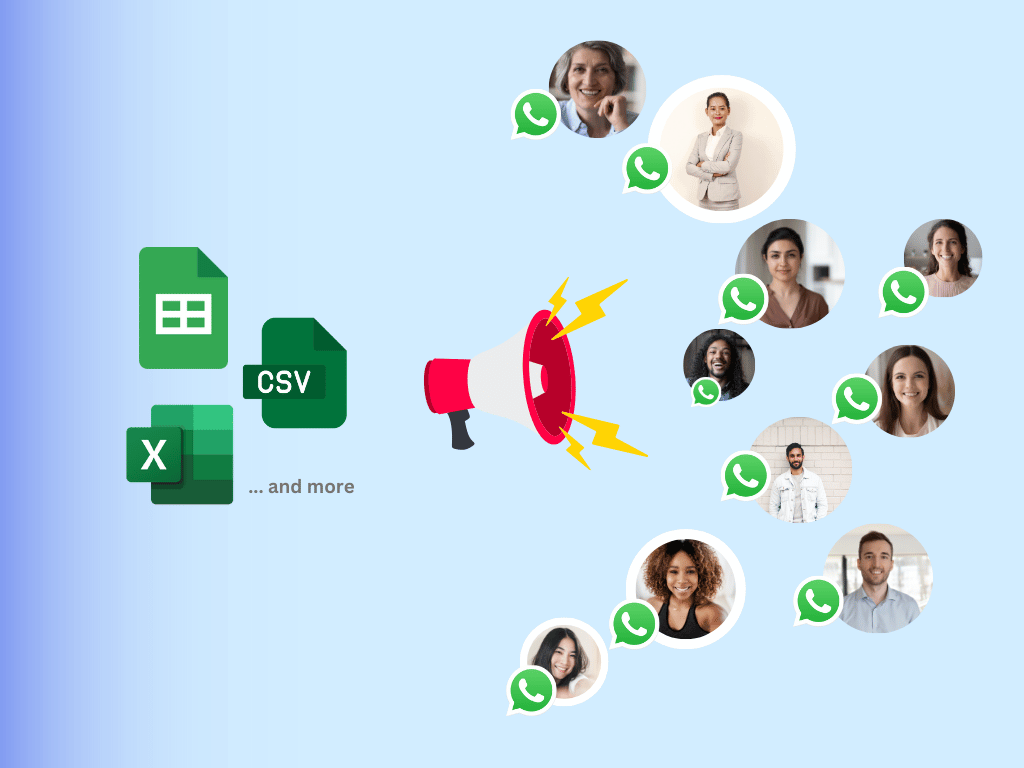
Put one guest per row in a Google Sheet, with a column named after every placeholder: name, event, date, time, venue, RSVP date.
- 2
Open SheetWA, paste the template, and each placeholder fills from the sheet column with the same name. Every guest gets a reminder with their own name and details.
- 3
Attach the invitation card image or e-pass PDF, preview a few rows, and send. Delivery and read status come back to the sheet, so you can see who has not opened it.
- Bulk WhatsApp senderSend from Google Sheets
More events and offers templates
All events and offers templatesFrequently asked questions
How do I write an invitation reminder message?
Start with the guest's name and a friendly line, then restate the event, date, time and venue. Add the RSVP deadline and a simple way to reply, such as YES or NO. Close with the host's name. Keep it to four or five short lines so it reads well on a phone.
What is a polite invite reminder message?
A polite invite reminder message thanks the guest, restates the event details and asks for a reply without pressure. A line like "Either answer is completely fine, it just helps us plan" makes it easy to say no, which gets more people to reply. Avoid guilt, and stop after two follow-ups.
When should I send an event reminder?
Send three: one a week before to collect RSVPs, one the day before with the time, venue and a map link, and a short one on the morning of the event. For big conferences, add one two weeks out. For casual parties, the day-before reminder is often enough.
How long should an event reminder text message be?
An SMS should stay under 160 characters so it goes as one message. On WhatsApp you have more room, but three to five short lines is ideal: greeting, event and date, time and venue, RSVP or map link, and sign-off. The event reminder text message samples above fit one SMS each.
Can I send a WhatsApp party reminder to all guests at once?
Yes. List your guests in a Google Sheet, paste a WhatsApp party reminder message sample into SheetWA, and send one personalised message per row from your own number. Each guest sees their own name, and you can attach the invitation card as an image.
How do I remind guests who have not RSVPed?
Send one polite follow-up a few days before your RSVP deadline. Restate the event, give the deadline, and ask for a one-word reply. Filter your sheet to guests with no reply so the confirmed ones are not messaged again. If there is still no answer, a quick call works better than a third message.
Should I attach the invitation card to the reminder?
Yes, it helps. Guests often lose the original invite in a busy chat. Attaching the card image or e-pass PDF to the reminder puts every detail in one place, and it gives the gate staff something to check at formal events.
Do I need the WhatsApp Business API to send event reminders?
Not for a family function or a club event. The SheetWA Chrome extension sends from your existing WhatsApp Web session. For large conferences with thousands of attendees, or reminders triggered from your ticketing system, use the SheetWA WhatsApp API with approved templates.